
Waxwing runs entirely in your browser and talks JMAP straight to your mail server. It ships as plain static files: no middleware, no database, no container. Stalwart can host it itself, or any web server can.

Why a client with no server
Classic webmail needs its own server-side stack because IMAP was never meant for browsers. JMAP is: JSON over HTTPS, parsed and indexed by the mail server. That makes the extra webmail server redundant — Waxwing is the client that follows through on the idea.
The practical difference is what you operate. There is no Waxwing process to run, patch, monitor or back up. An upgrade is a new zip file. If Waxwing disappeared tomorrow, your mail would be exactly where it was, because it was never anywhere else.
What it does
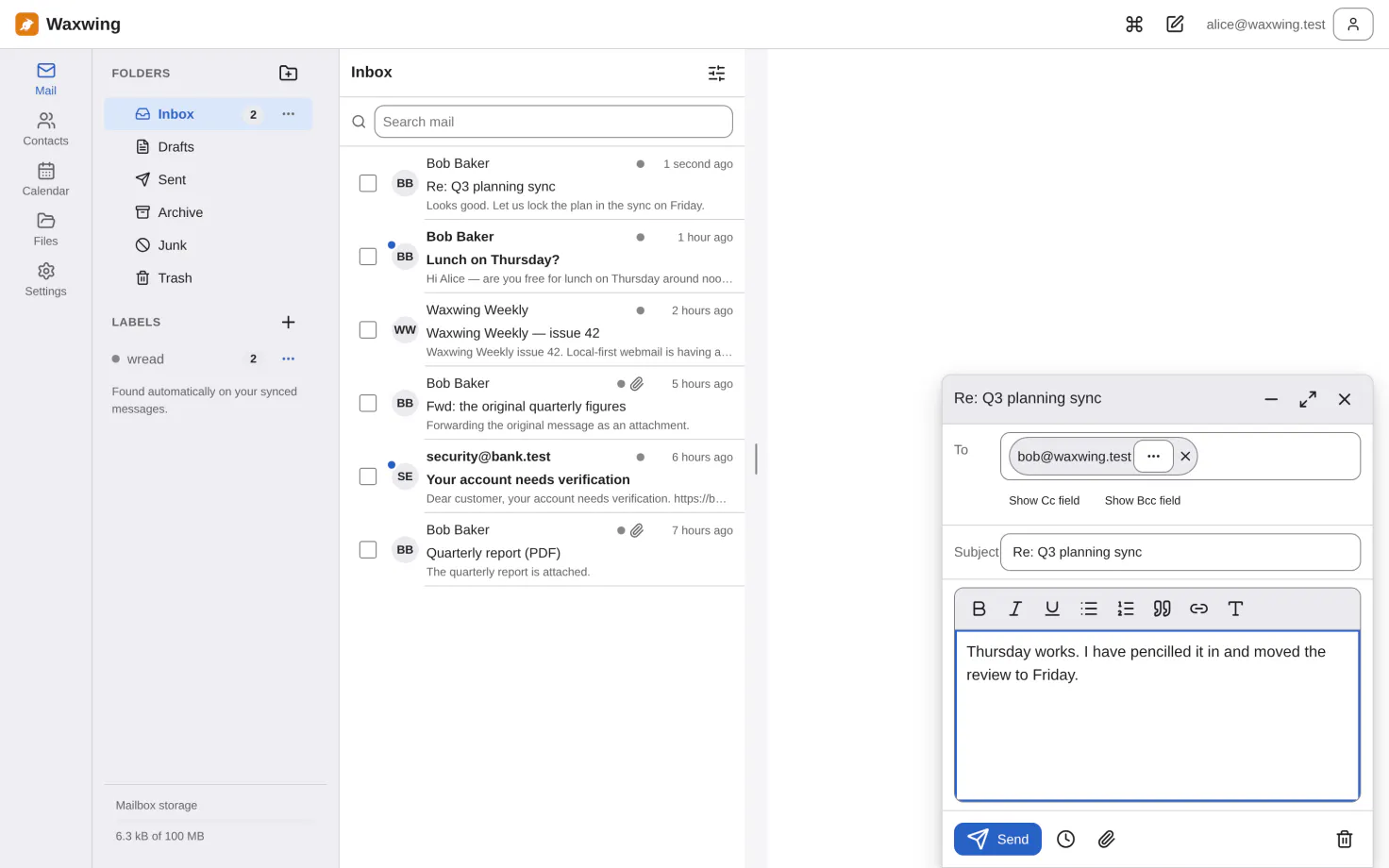
Conversations, a virtualized list that stays smooth at 100 000 messages, full-text search, labels, and triage that works entirely from the keyboard.
Offline
A local replica of a configurable recent window, an outbox that survives a reload and a reconnect, and undo that does not depend on the network.
Installable
A Progressive Web App with push notifications, an offline shell, and deep links that survive a reload.
Accessible
WCAG 2.2 AA self-assessed, contrast and target size measured in a real browser, and the gaps written down rather than glossed over.
Fourteen languages
Čeština, Deutsch, English, Español, Français, Italiano, Nederlands, Polski, Português, Türkçe, Русский, Українська, 中文, 日本語 — two of them read by a native speaker, and the page that says which twelve are not.
Yours to brand
Product name, logo, colours and theme come from files next to
index.html — edited in place, with no rebuild.
Free software
AGPL-3.0. The JMAP and JSContact packages are MIT so other clients can use them.
On a phone
The same static files. Below 40rem the folder rail becomes a drawer, navigation moves to the bottom, and reading takes the whole screen with a way back to the list.
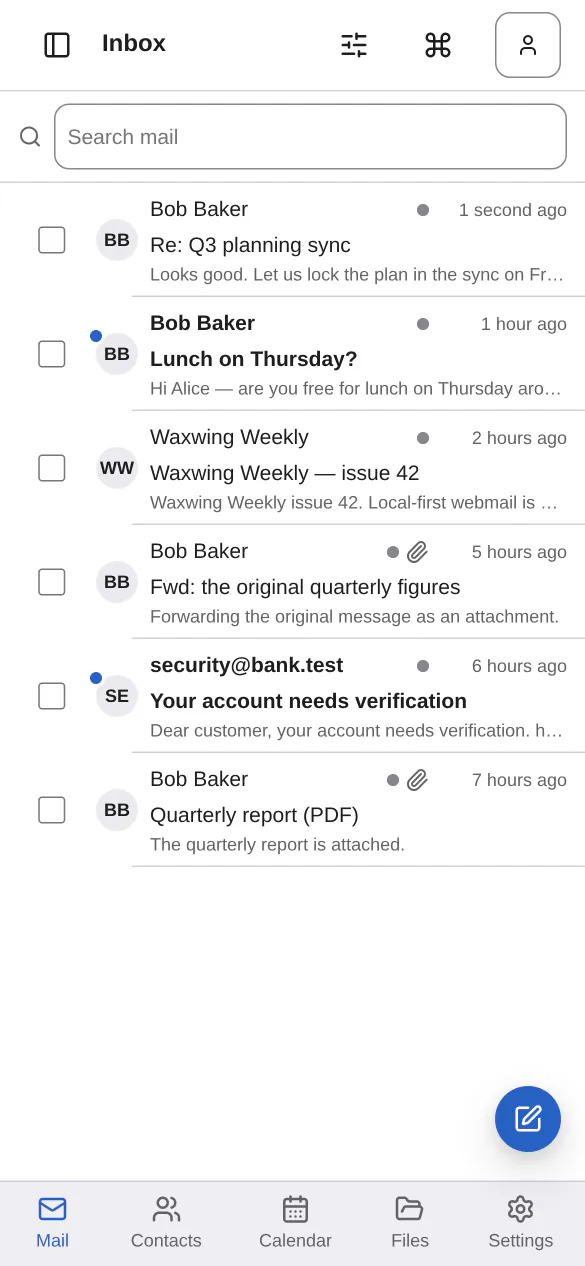
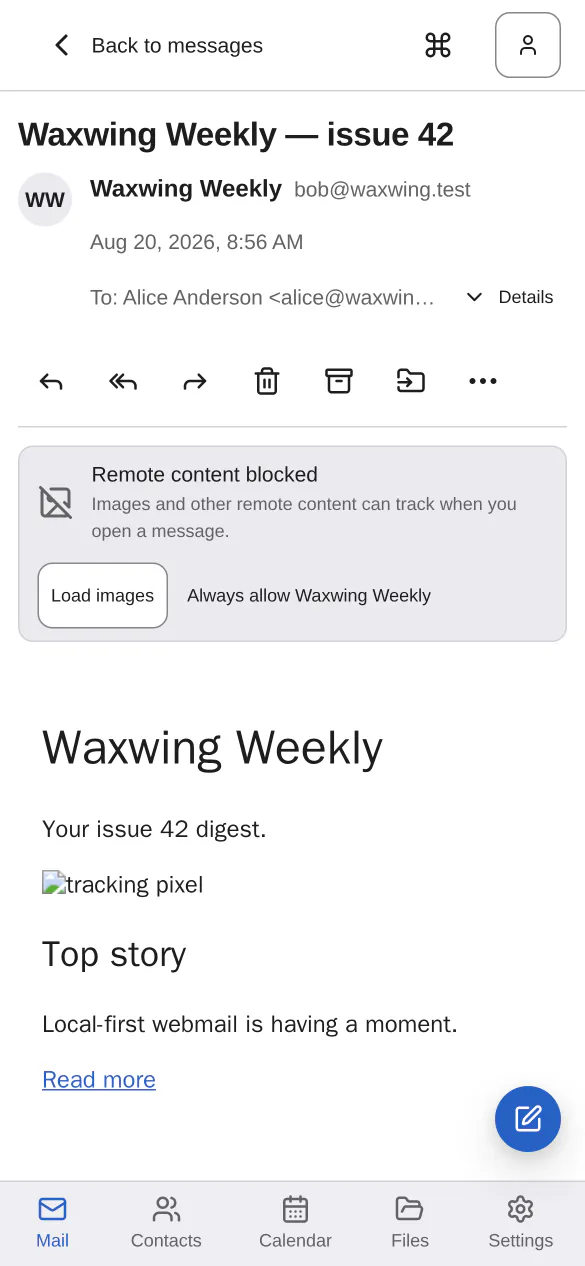
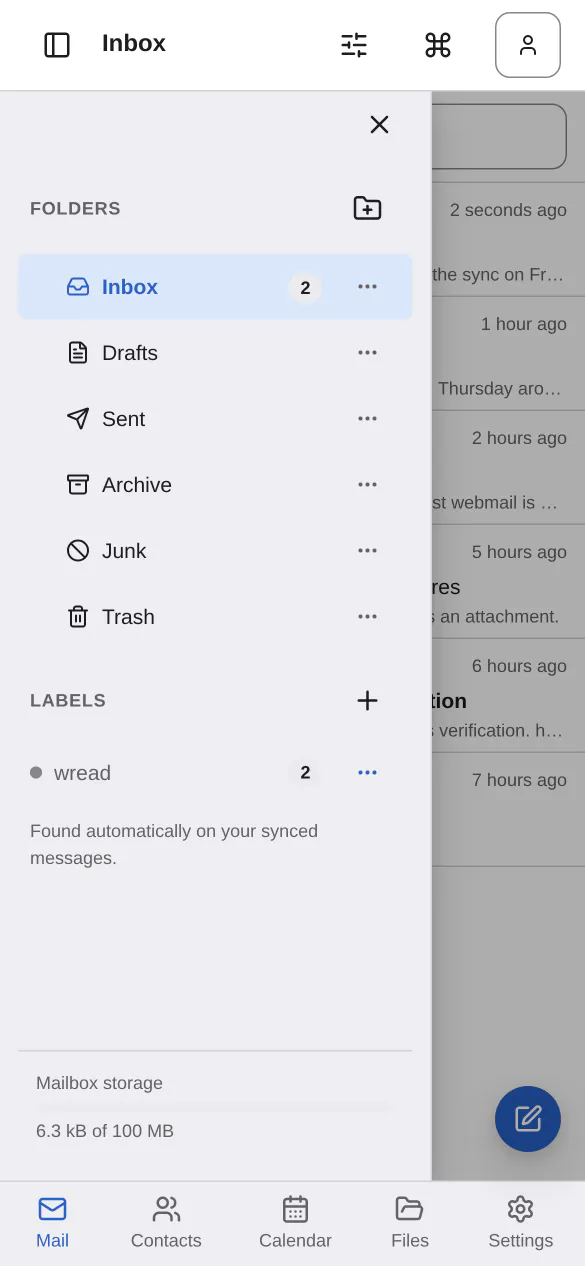
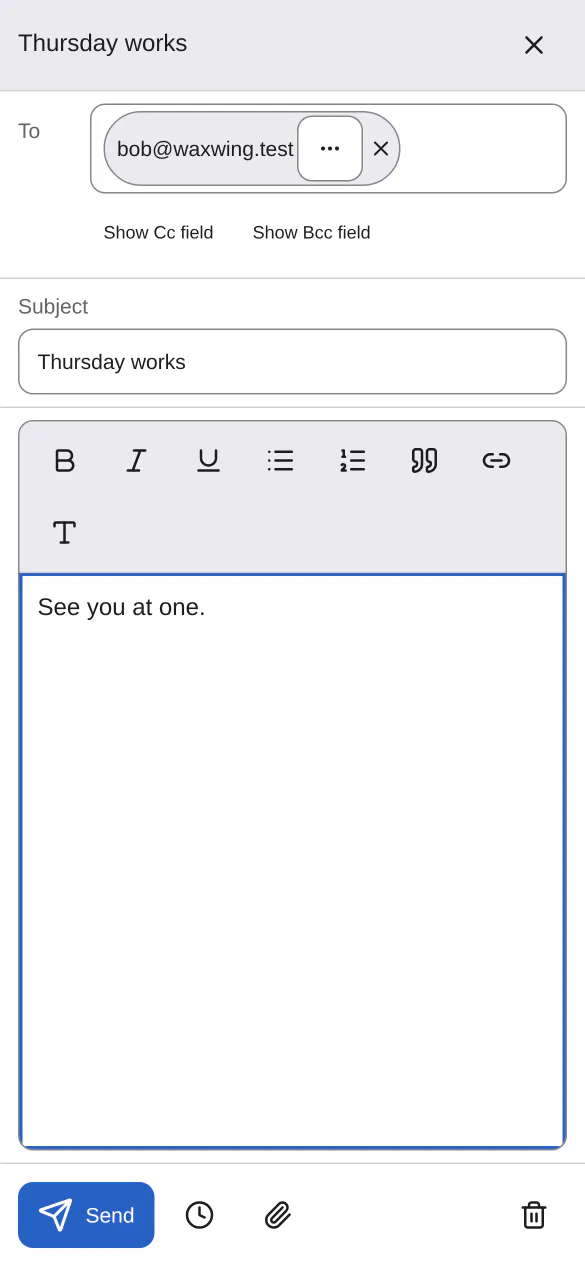
A closer look
Deploying it
The recommended path has Stalwart serve the app from its own origin:
curl -u 'admin:PASSWORD' -X POST https://mail.example.com/jmap/ \
  -H 'Content-Type: application/json' \
  -d '{"using":["urn:ietf:params:jmap:core"],"methodCalls":[["x:Application/set",
       {"create":{"waxwing":{"enabled":true,
        "description":"Waxwing webmail",
        "resourceUrl":"https://github.com/Heiko-W/waxwing/releases/latest/download/waxwing-stalwart.zip",
        "urlPrefix":{"/webmail":true},
        "autoUpdateFrequency":604800000}}},"c1"]]}'
Replace the host and the admin password; the rest is literal. Then restart
Stalwart — it fetches the archive on start — and open
https://mail.example.com/webmail/.
autoUpdateFrequency is a week in milliseconds, so new releases arrive on their
own. That is a standing decision to run whatever this project publishes next; the
deployment
guide shows how to pin a version instead, and covers the two other paths — a reverse
proxy, and a CDN with the trade-off it carries. Downloads and checksums are on the
releases page.
Do not use /mail as the prefix. It is reserved: Stalwart
accepts the registration, fetches the archive, and then answers 404 for every path under it
without logging anything.
Honest limitations
Because a project page that lists only strengths tells you nothing about the ones it left out:
- Cached mail is not encrypted at rest. It cannot be — a browser has nowhere to put a key that an attacker with the same profile could not also reach. There is a "public or shared computer" option that keeps the replica in a throwaway database and the credential out of storage entirely, removed on sign-out, on tab close and by a sweep at the next start. Between a crash and that next start the data is on disk, and no browser API closes that window.
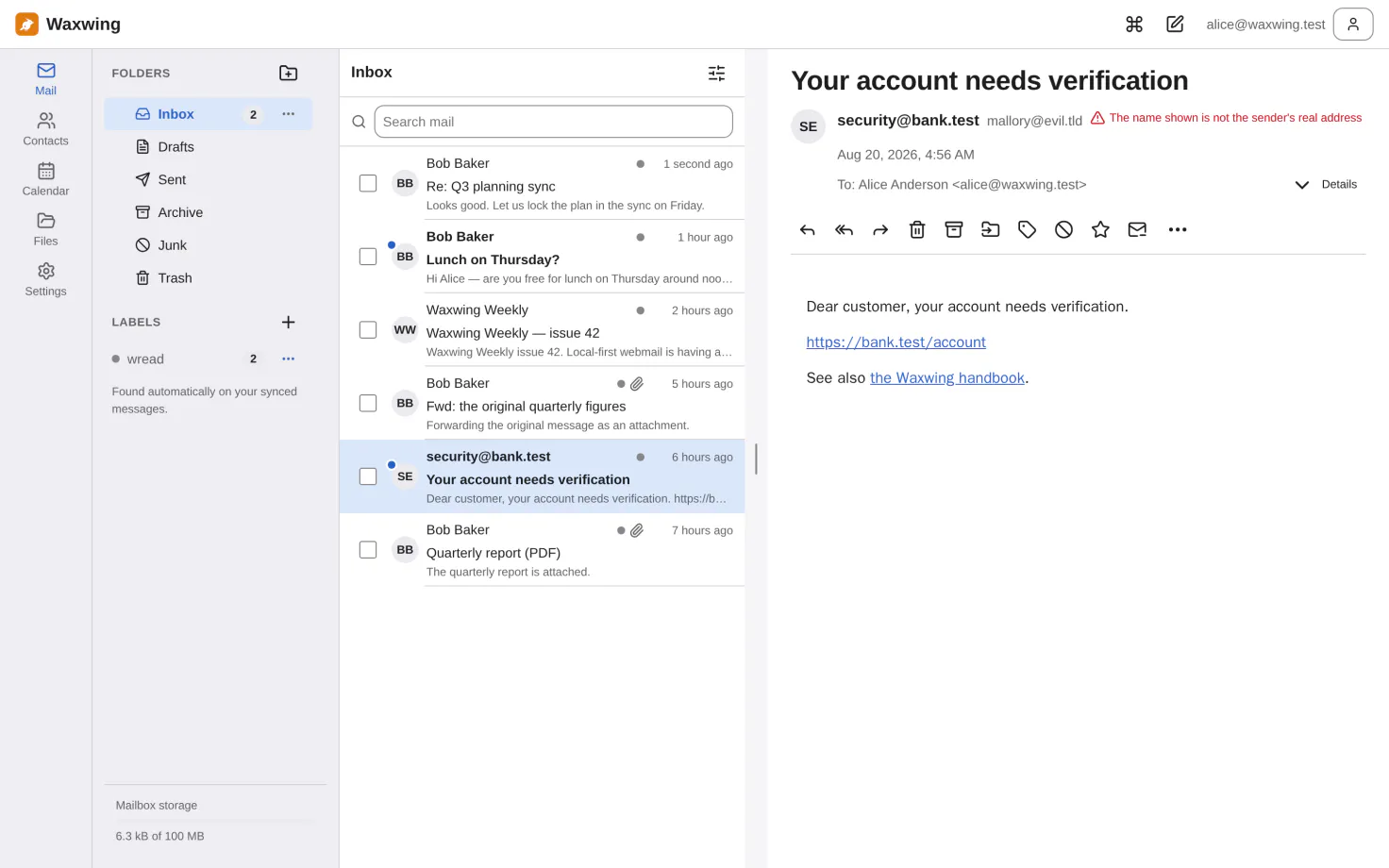
- The phishing link check is friction, not a boundary. It compares text the attacker wrote against a URL the attacker wrote. The absence of a warning means "nothing found", not "checked and safe".
- No screen reader has been used on it by a person. The accessibility work is automated and thorough; nobody has listened to it yet.
- Cross-origin hosting needs your mail server reconfigured, and the usual way of doing that opens it to every origin. The guide recommends against it.